Routes and boarding points
Agree the required data, permissions and exception handling for this stage before implementation.

Maintain bus routes, departure schedules, seat layouts and fares around your own operating model.
Discuss your requirements →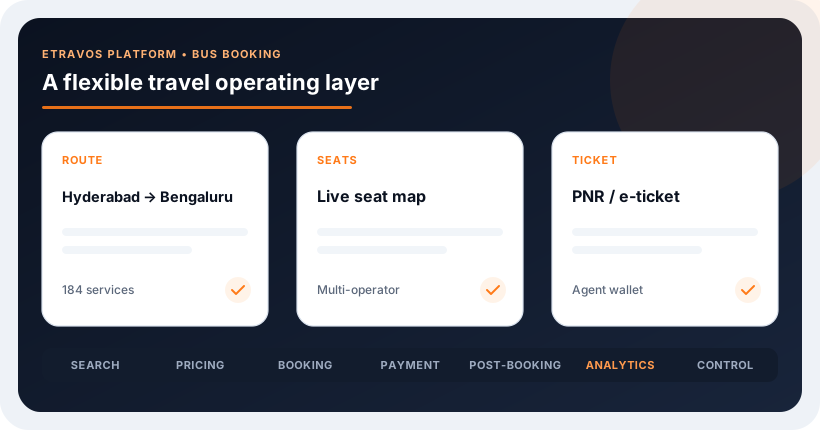
Define the users, inventory sources and commercial rules first. Then connect the customer experience with the work your operations team needs to manage.
Agree the required data, permissions and exception handling for this stage before implementation.
Agree the required data, permissions and exception handling for this stage before implementation.
Agree the required data, permissions and exception handling for this stage before implementation.
Agree the required data, permissions and exception handling for this stage before implementation.
Before publishing operator-managed inventory, agree how routes, stops, service dates, seat layouts and cancellation rules are maintained. An attractive inventory screen is not enough: the team needs a dependable process for correcting a schedule or blocking a departure without losing sight of existing bookings.
Maintain bus routes, departure schedules, seat layouts and fares around your own operating model.
Identify supplier accounts, credentials, content ownership and the people responsible for updates.
Test successful transactions, unavailable inventory, price changes, retries and cancellation behaviour against your scope.
Agree reporting, support handoffs and the launch checklist with your operations team.
Walk through a departure whose boarding time changes after reservations have been made. Identify who approves the change, how affected bookings are found and who informs travellers. That scenario reveals gaps that a simple create-and-save demonstration may miss.
Bring your operations lead and supplier contact into the scope review. For supplier inventory management, the decisions around inventory ownership, publishing rules and booking reconciliation need named owners and clear acceptance criteria.
We will review your platform, supplier interfaces and data requirements to define a suitable integration approach.
The booking model, inventory ownership, supplier capabilities, user roles and post-booking requirements shape the scope. Provider agreements and API access must be confirmed.
An extranet can support inventory managed directly by your business or contracted partners. Define which inventory is entered manually, which comes from connected systems and which source is authoritative when information conflicts.
Use clearly defined supplier and operations roles, with approval requirements where appropriate. Agree how changes are reviewed, when they become bookable and how staff identify the person responsible for an update.
The design must specify update frequency, booking cut-off rules and how confirmed reservations affect availability. Test simultaneous bookings and delayed updates rather than assuming a shared inventory screen prevents overselling.
Compare route coverage, seat-layout accuracy, boarding and dropping points, cancellation rules and booking status behaviour. Test the routes your customers actually buy; an operator count alone does not establish usable coverage.
Share your requirements and the systems you already use.
Talk to an Expert →Use these guides to review the decisions behind your platform scope.
Explore practical guidance on platforms, integrations and booking operations.
Practical insight for travel businesses building connected digital booking and distribution experiences.
Read article →Practical insight for travel businesses building connected digital booking and distribution experiences.
Read article →Practical insight for travel businesses building connected digital booking and distribution experiences.
Read article →